Skills first: let your CV show what you can do, with your AI assistant
Employers are looking beyond job titles. Turn your experience into clear, concrete skills and make every strength easy to spot
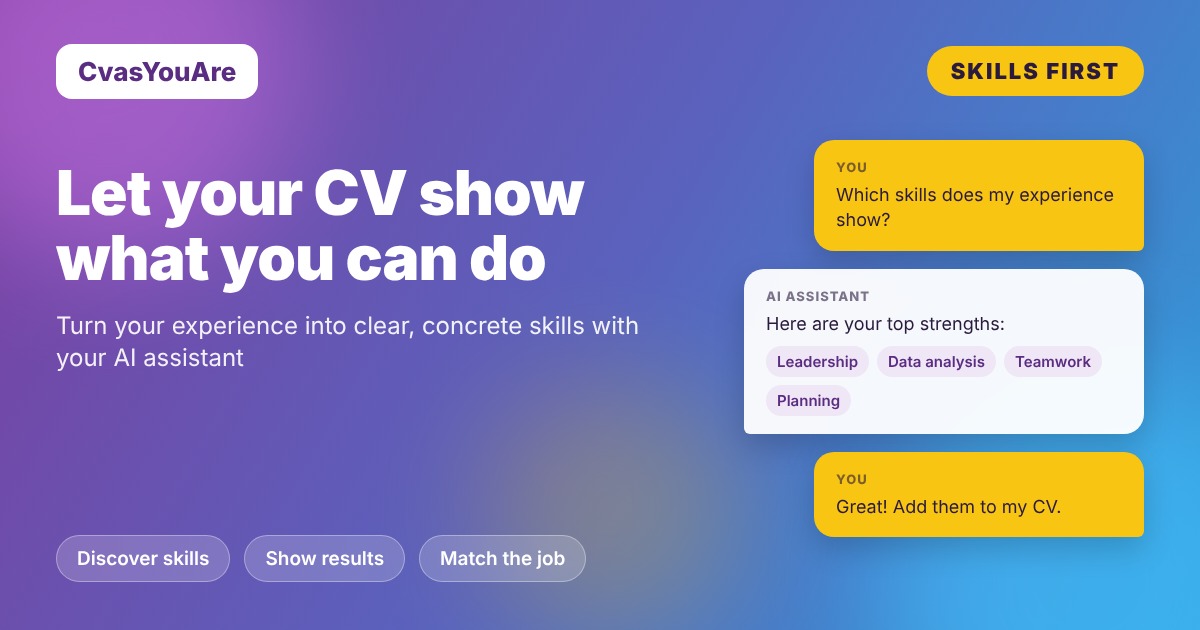
More and more companies are hiring for what people can do, not only for the titles they have held. According to LinkedIn's Skills-Based Hiring 2025 report, a skills-based approach could expand talent pools by 6.1x globally. That is great news for career changers, self-taught professionals and anyone whose talents go beyond a job title.
The best way to benefit? A CV where your skills are clear, concrete and easy to find. With CvasYouAre and your AI assistant, it takes just a few requests.
1. Discover the skills in your experience
Your past roles already hold many skills you may not have listed yet. Ask your assistant to bring them to light:
- "Read my CV and list the skills each experience shows."
- "Which transferable skills do I have for a project management role?"
2. Turn skills into results
A skill shines brightest next to what it achieved. Ask your assistant to connect the two:
- "Rewrite my experience bullets so each one shows a skill and its result."
- "Add numbers where I have them, and keep every line true to what I did."
3. Organise your skills section
Make it effortless for recruiters to scan: "Update my skills section and group my skills into technical, digital and interpersonal." Then add your languages and keep the list focused on what matters most for your next step.
4. Let your summary lead with strengths
Your summary is the first thing people read. Try: "Rewrite my summary in three lines, starting with my top three skills."
5. Match the posting
Every job asks for its own mix of skills. Duplicate your CV and tailor it: "Highlight the skills this posting asks for." More ideas in our guide One job, one CV. When you are happy, pick a template and export to PDF.
First time with the connector? → How to connect your AI assistant
Your skills. Your story. Your next opportunity.